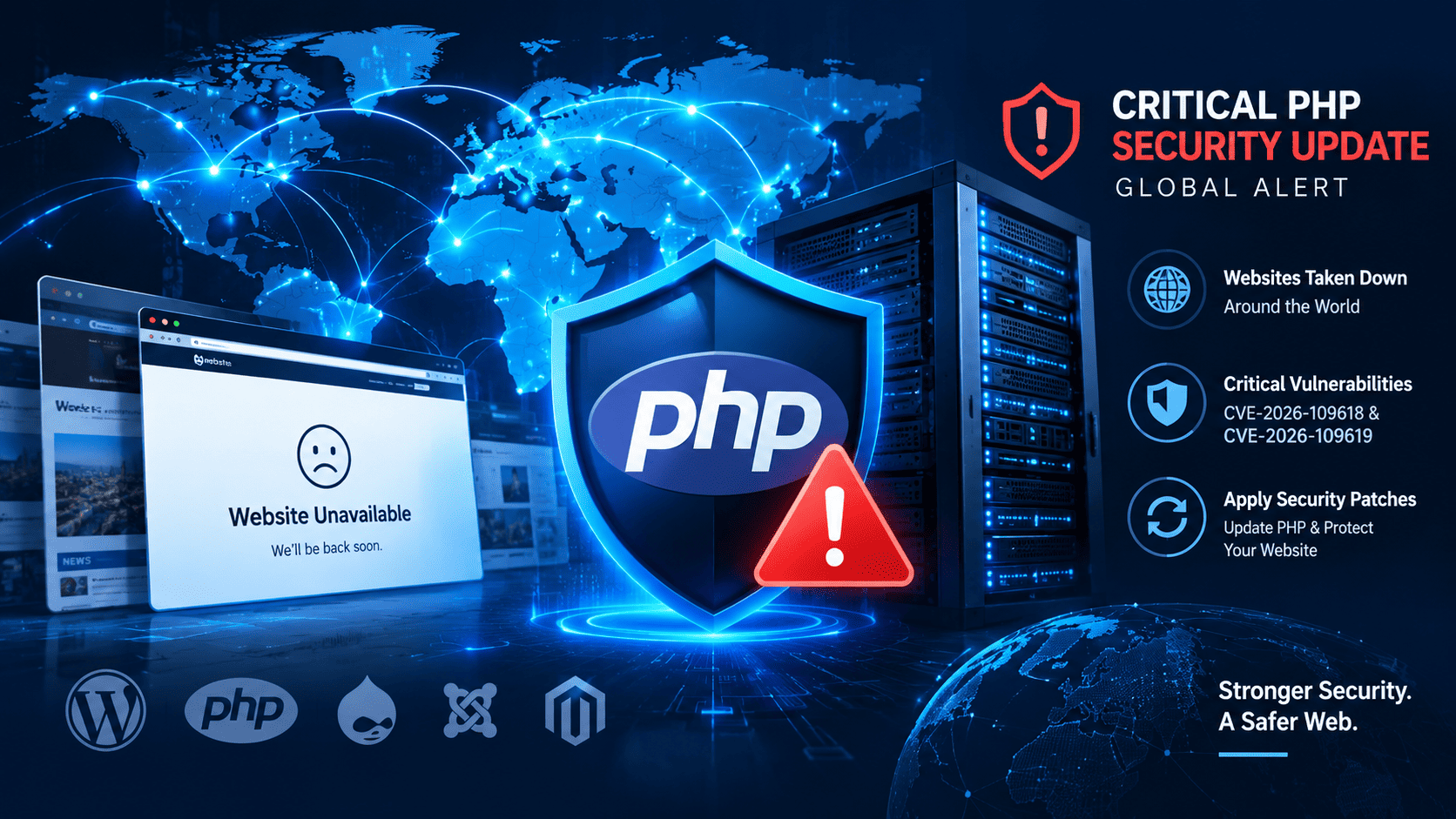
Websites Taken Down Worldwide as Critical PHP Security Update Triggers Global Cyber Alert
Websites Taken Down Worldwide as Critical PHP Security Update Triggers Global Cyber Alert
A critical cybersecurity warning has triggered an international response after researchers identified two serious vulnerabilities in PHP, the programming language used by many websites and web applications. On October 21, 2026, PHP developers released security updates, while cybersecurity agencies urged organisations to identify vulnerable systems and apply the necessary fixes as quickly as possible.
Some organisations temporarily took websites and online services offline as a precaution while preparing security updates. The incident highlights how a vulnerability in widely used software can affect websites, online services and organisations across multiple countries.
For website owners, WordPress administrators and hosting providers, the key message is clear: identify the PHP software running on your servers, install the appropriate security fixes, and verify that your websites remain secure.
What Happened in the Global PHP Security Incident?
The alert concerns two critical vulnerabilities identified as CVE-2026-109618 and CVE-2026-109619. According to the official PHP security announcement, these vulnerabilities could allow unauthenticated remote code execution under certain conditions.
Remote code execution is a serious security risk because it may allow an attacker to execute commands on a vulnerable server without first logging in. Depending on the server configuration and the attacker’s access, this could expose website files, databases and other sensitive resources.
The vulnerabilities prompted a coordinated response from security researchers, software maintainers and cybersecurity agencies. Some organisations temporarily disabled public-facing services because they could not immediately apply the necessary fixes.
It is important to understand that a website being taken offline does not automatically mean it was hacked. In many cases, temporarily disabling a service is a preventive measure intended to reduce risk.
What Is PHP and Why Does It Matter?
PHP is a server-side programming language used to build dynamic websites and web applications. It processes requests on a web server and helps generate the pages and functionality that visitors see in their browsers.
PHP is widely used in popular platforms and content management systems, including:
- WordPress: A popular platform for blogs, business websites and online publications.
- Drupal: A content management system used by organisations and large websites.
- Joomla: A platform for creating and managing websites.
- Magento-based commerce platforms: Software used to operate online stores.
A vulnerability in the PHP engine can therefore have consequences beyond a single website or application. Even when a website’s WordPress installation and plugins are up to date, its underlying PHP environment still needs appropriate security maintenance.
Not every website uses PHP, and the actual exposure depends on the software, configuration and security patches installed on the server.
What Are the Two Critical PHP Vulnerabilities?
The vulnerabilities identified in the October 2026 security alert involve problems with PHP’s handling of internal memory and request processing.
CVE-2026-109618
This vulnerability involves PHP’s handling of memory when an out-of-memory condition interrupts request processing. Under certain circumstances, the resulting memory-management problem could contribute to memory corruption and potentially allow an attacker to execute code remotely.
CVE-2026-109619
The second vulnerability involves internal request-related state that may remain accessible after the memory supporting it has been freed. Under particular conditions, subsequent processing may use this stale state before it is correctly reinitialised.
Both issues are serious because exploitation could occur without normal user authentication under affected conditions. The PHP development team has released security updates to address them.
Website owners should consult the official PHP security advisory rather than relying solely on general version-upgrade advice.
How Were Artificial Intelligence Tools Involved?
The incident also highlights the growing role of artificial intelligence in cybersecurity research.
OpenAI has reported that its Patch the Planet initiative helped researchers identify critical PHP vulnerabilities, with security company Wiz also independently discovering and reporting both issues.
AI tools can help researchers analyse complex software, identify suspicious code paths and investigate potential vulnerabilities more efficiently. However, discovering a flaw is only one part of the process. Researchers and software maintainers must still validate findings, develop fixes, test those fixes and coordinate disclosure.
The incident demonstrates how AI can support defensive security research. The same broader technological developments also reinforce the need for strong patching processes, continuous monitoring and responsible vulnerability disclosure.
Which Websites and Services Were Affected?
News reports published on October 21 and 22 described temporary outages affecting some public-facing websites and services in Europe and elsewhere.
Reported responses included precautionary shutdowns by government-related organisations and some Wikimedia Foundation systems. Other websites also displayed maintenance messages during the period, although the reason for every individual outage was not independently confirmed.
Claims that approximately 70% of the internet was affected should be interpreted carefully. PHP’s widespread use does not mean that 70% of websites were successfully attacked, taken offline or confirmed vulnerable in the same way.
The practical risk depends on whether a system runs affected PHP software, whether the relevant security fix has been applied, and how the server is configured.
How to Protect Your WordPress Website
If you own a WordPress website, take the following steps to reduce your exposure to PHP-related security risks.
1. Check Your PHP Version in cPanel
Log in to your hosting account and open MultiPHP Manager, if your hosting provider offers it.
Check which PHP version is assigned to your website. Remember that a version number alone does not prove that your server is vulnerable or protected. You also need to verify that the relevant security fixes are included in the installed build.
2. Install the Appropriate Security Update
The PHP project published security releases on October 21, 2026. Its official announcement lists these patched releases:
- PHP 8.5.12
- PHP 8.4.27
- PHP 8.3.36
- PHP 8.2.35
Check the official PHP website for the latest advisory and supported releases before upgrading.
If your website runs PHP 8.1 or an older version, do not assume that installing a newer version through cPanel is sufficient on its own. PHP 8.1 and older branches may require migration to a supported branch because the latest security fixes are not necessarily available for every older version.
Contact your hosting provider if you cannot confirm that your server has been patched.
3. Back Up Your Website
Before making changes, create a complete backup of your website files and database.
A backup gives you a recovery option if an update causes compatibility problems. Where possible, test major PHP upgrades on a staging website before applying them to your live site.
4. Update WordPress, Themes and Plugins
Install the latest stable WordPress release and update themes and plugins from trusted developers.
Remove unused plugins and themes that you no longer need. Although application updates do not replace PHP security patches, keeping all components maintained helps reduce other potential entry points for attackers.
5. Review Server Logs and Security Alerts
Ask your hosting provider to review relevant server logs for suspicious requests, unexpected processes or other signs of compromise.
If you discover evidence that an attacker may have accessed your website, updating PHP alone may not be enough. Investigate the incident, secure administrator accounts, rotate potentially exposed credentials and restore clean files if necessary.
6. Use Additional Security Controls
Where available, consider a web application firewall, malware monitoring, strong administrator authentication and restricted access to hosting accounts.
These controls can help reduce risk, but they should not be treated as a substitute for installing the appropriate security updates.
What Should Website Owners Do If They Cannot Update Immediately?
If the necessary security fix cannot be installed promptly, contact your hosting provider or security administrator immediately.
Depending on the exposure and available protections, the safest temporary option may be to isolate the affected service or take it offline until remediation is possible. Organisations should follow applicable security advisories and assess the risk of keeping each affected system publicly accessible.
Do not make an untested PHP version change on a business-critical website without a backup and compatibility plan. At the same time, do not delay urgent security remediation simply because the website appears to be working normally.
Could This Affect Websites in Sri Lanka?
Yes. Websites hosted in Sri Lanka may face the same underlying risk if their servers run affected PHP software and have not received the appropriate security updates.
The physical location of the hosting server does not remove the vulnerability. A Sri Lankan business website, online store, news publication or personal blog hosted locally or overseas should verify its PHP environment and consult its hosting provider.
There is no basis to conclude that every Sri Lankan website has been compromised. Website owners should assess their own systems rather than assuming either that they are affected or that they are safe.
Frequently Asked Questions (FAQs)
1. Why were websites taken offline?
Some organisations temporarily disabled public-facing services as a precaution while addressing critical PHP vulnerabilities. An outage does not necessarily mean that a successful cyberattack occurred.
2. What is PHP2Shell?
PHP2Shell is a name used in security reporting for the PHP vulnerability incident. The reported vulnerabilities could allow remote code execution on affected systems under certain conditions.
3. Is WordPress affected?
WordPress websites can be exposed if their underlying PHP environment is vulnerable. Updating WordPress itself does not automatically patch the PHP engine running on the server.
4. How can I check whether my website is safe?
Check your PHP version and hosting configuration, confirm that the appropriate security fix has been installed, and review any guidance from your hosting provider. If you suspect compromise, arrange a security investigation.
5. Should I upgrade to the newest PHP version immediately?
You should prioritise a security-fixed, supported PHP release compatible with your website. Back up your site and check compatibility before making the change. Your hosting provider can help determine the correct version for your environment.
6. Does this mean hackers have stolen website data?
No. The existence of a vulnerability does not prove that every affected website was attacked or that data was stolen. Each suspected incident needs to be investigated separately.
7. Where can I find official security information?
Consult the official PHP security announcements and the UK National Cyber Security Centre’s guidance linked in the sources below.
Conclusion
The October 2026 PHP security alert is a reminder that website security depends on more than a strong password or an up-to-date content management system. Vulnerabilities in widely used server software can create risks across many different platforms.
Website owners should identify the PHP environments they operate, install the appropriate security fixes, maintain backups and investigate suspicious activity. If immediate remediation is not possible, they should follow expert guidance on restricting access to affected systems.
For WordPress users and businesses in Sri Lanka, the most useful next step is to contact the hosting provider, confirm the installed PHP security level and ensure that the website remains protected.
Stay informed, keep your software updated and treat critical security advisories as a priority.
Sources and Further Reading
- Official PHP Security Announcement — security releases and updated version information.
- UK National Cyber Security Centre: Critical Security Issue Affecting PHP — security guidance for organisations.
- Reuters: Websites Taken Offline Over PHP Risks — reporting on the international response.
- OpenAI: Coordinated Disclosure of Critical Vulnerabilities — information about AI-assisted vulnerability discovery.
- Wiz Research: PHP2Shell Vulnerabilities — technical background and security analysis.
Editorial note: This article is based on security announcements and reporting available on October 22, 2026. Readers should check official advisories for subsequent updates and confirm the status of their own hosting environments.